
DStv Explora Installation and Decoder Upgrades in Cape Town
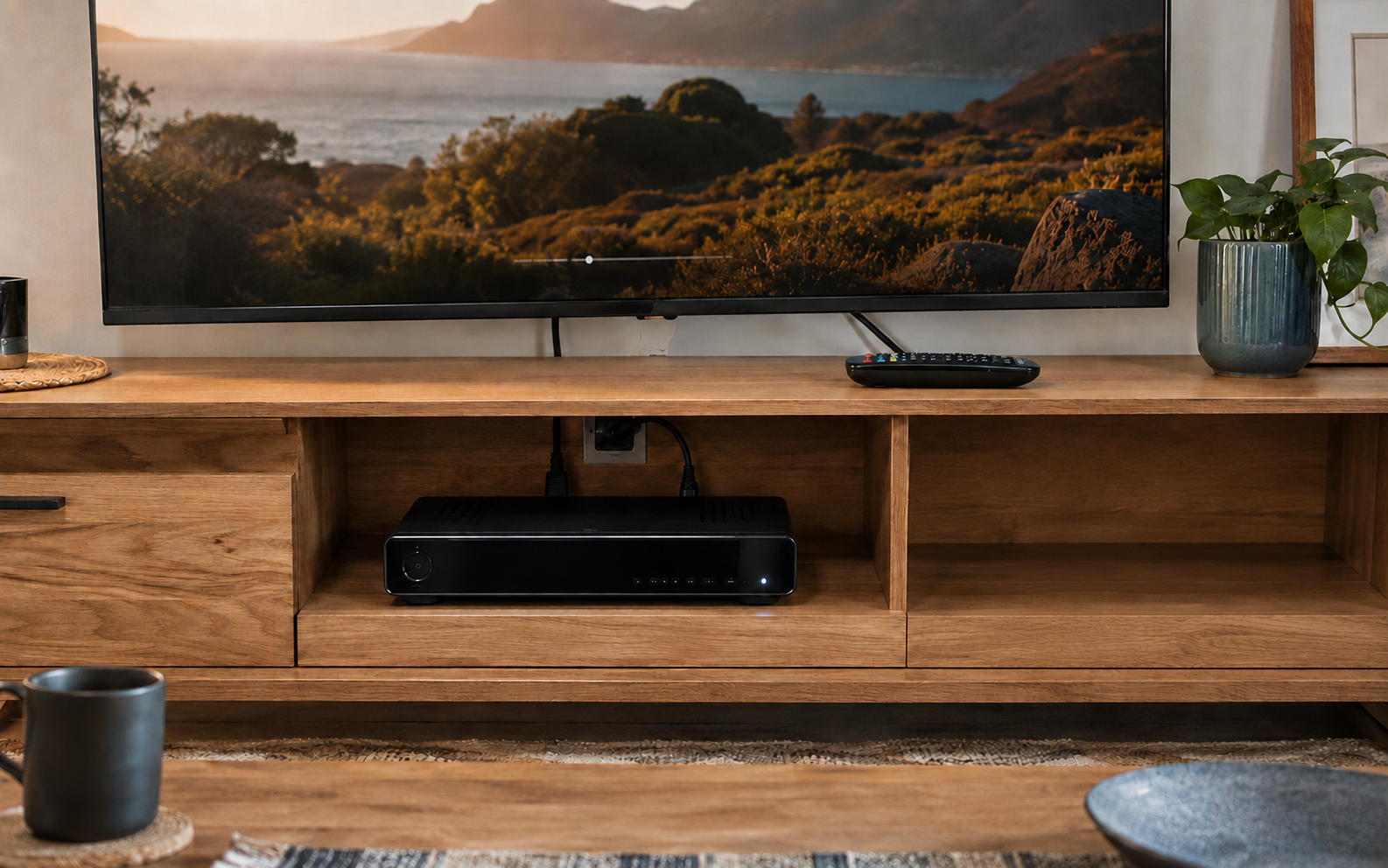
Upgrade your DStv system with professional Explora installation, decoder configuration and compatible satellite equipment. DStv Connect serves homes and businesses throughout Cape Town and surrounding areas.
Request an Explora Installation Quote
Fill in the form below and our team will contact you about your DStv Explora installation or decoder upgrade.
Professional DStv Explora Installers in Cape Town
A DStv Explora provides PVR features that allow you to record programmes, pause and rewind live television and access available on-demand content. The Explora Ultra also adds built-in internet connectivity for supported online services.
Our DStv Explora installers in Cape Town can connect a newly purchased decoder, upgrade an older DStv system or complete a full installation with the required satellite dish, Smart LNB and cabling.
The existing equipment must be compatible with the Explora being installed. An older dish, standard LNB or unsuitable cable arrangement may need to be upgraded before the decoder can receive the correct satellite signal.
DStv Connect assesses the complete installation before connecting the replacement decoder. This helps determine whether the existing dish and cabling can be reused or whether additional equipment is required.
Upgrading to a DStv Explora in Cape Town
Customers often upgrade from an HD Single View decoder because they want recording, pause and rewind functions or a more connected viewing experience. Changing the decoder alone may not be enough if the existing satellite equipment was designed for an older system.
An upgrade can require an 80cm satellite dish, DStv Smart LNB, compatible cabling and correct decoder configuration. The amount of work depends on the condition and type of equipment already installed at the property.
Where a compatible dish and Smart LNB are already available, the upgrade may mainly involve connecting the new decoder, checking the signal and completing the required setup. If the installation uses an older or incompatible LNB, changes will be needed before the Explora can operate correctly.
Customers replacing one compatible Explora model with another may not require major changes to the satellite installation. The existing signal quality, cabling and equipment should still be checked before the new decoder is configured.
What a DStv Explora Installation Includes
An Explora installation must provide the decoder with a stable satellite signal and the correct equipment configuration. It can also include television and internet connections where supported by the decoder.
Depending on the property and existing equipment, the service may include:
- Inspection of the existing dish, LNB and cabling
- Installation or connection of a DStv Explora decoder
- Installation of an 80cm satellite dish where required
- DStv Smart LNB installation or replacement
- New RG6 satellite cabling
- Satellite dish alignment
- Signal-strength and signal-quality testing
- HDMI connection to the television
- Decoder configuration
- Assistance with decoder activation
- Remote-control setup
- Recording and PVR function checks
- Wi-Fi or Ethernet connection where supported
- Basic guidance on using the completed system
Existing equipment is reused only when it is compatible, secure and in suitable condition. Damaged cabling, unstable brackets, faulty LNBs and poorly aligned dishes can affect the performance of a newly installed decoder.
Request an Explora Installation Quote
Fill in the form below and our team will contact you about your DStv Explora installation or decoder upgrade.
Explora Dish and Smart LNB Requirements
DStv recommends an 80cm satellite dish and DStv Smart LNB for its Explora models. These components must be installed and aligned correctly to provide the decoder with the required satellite signal.
The Smart LNB is mounted on the dish and sends the received signal through the satellite cable to the decoder. It also supports more flexible installations where additional compatible decoders may be connected later.
A standard LNB from an older single-view installation may not be suitable for an Explora upgrade. The existing LNB should therefore be identified and checked before the decoder is connected.
The satellite dish must also be securely mounted with an unobstructed line of sight. Wind, loose brackets, corrosion or previous roof work can affect its alignment. Installing a new Explora without correcting an existing signal problem may result in pixelation, missing channels or E48-32 errors.
Where the existing dish is suitable, it can be realigned and used with a compatible Smart LNB. A damaged, unstable or incorrectly sized dish may need to be replaced as part of the upgrade.
DStv Explora Ultra Installation in Cape Town
The DStv Explora Ultra combines satellite viewing and PVR functions with built-in internet connectivity. It can record programmes, pause and rewind live television, provide available Catch Up content and access supported online services.
An Explora Ultra can operate as a satellite decoder without being connected to the internet. However, its connected features require a reliable home internet connection.
The decoder can be connected to a compatible television through HDMI. Internet connectivity can be provided through its built-in Wi-Fi or an Ethernet cable, depending on the property, router position and preferred setup.
A wired Ethernet connection can provide a stable option when the router and decoder are close enough for a practical cable route. Wi-Fi may be more convenient where running an additional cable is not suitable, but its performance will depend on signal strength, router placement and the household’s internet service.
Available apps, online features and viewing quality can change according to DStv’s supported services, the customer’s subscription and the capability of the television and internet connection.
Explora Recording and Connected-Feature Setup
The Explora’s PVR functions allow customers to manage their viewing more flexibly. Once the decoder is installed and activated, its recording, pause and rewind functions can be checked to confirm that the system is operating correctly.
The decoder should have a stable satellite signal before its viewing features are configured. Weak signal quality can interfere with live television, recordings and available on-demand content.
Where internet connectivity is required, the Explora can be connected to the customer’s network and checked for access to its supported connected services. The quality of online viewing will depend on the internet connection rather than the satellite installation alone.
Customers can also receive basic guidance on using the remote, navigating the decoder menu, scheduling recordings and accessing available PVR and connected features.
Request an Explora Installation Quote
Fill in the form below and our team will contact you about your DStv Explora installation or decoder upgrade.
Reusing an Existing Dish, LNB and Cabling
Not every DStv decoder upgrade requires a completely new satellite installation. Existing equipment may be reused when it is compatible with the Explora and remains in good working condition.
The dish should be the appropriate size, securely mounted and accurately aligned. The LNB must support the selected decoder setup, while the cable and connectors must be free from significant damage, corrosion and water ingress.
Older cabling may appear intact while still causing signal loss. Exposed outdoor cable, loose connectors and unsuitable joins can reduce signal quality and create intermittent problems after the upgrade.
Testing the existing installation before connecting the new decoder helps identify equipment that can remain in place and components that should be replaced. This allows the upgrade to be based on the actual condition of the system rather than automatically replacing everything.
DStv Explora Installation in Flats and Complexes
Flats, apartments and residential complexes may receive their satellite signal through a communal distribution system. The Explora must be compatible with the equipment serving the building before it can be connected.
Some communal systems require specific decoder settings or additional equipment to provide the correct signal. Others may need changes to the shared infrastructure before an Explora can operate properly.
Where a separate satellite dish is permitted, approval may be required from the landlord, body corporate or property manager before brackets, cabling or other permanent equipment are installed.
Customers should confirm the property’s installation rules and whether a communal connection is already available. The existing outlet and signal can then be assessed to determine what is required for the Explora setup.
Explora Decoder Configuration and Activation
The physical installation and DStv account work together, but they are not the same process. The dish, LNB, cabling and decoder must first be connected and configured correctly. DStv may then need to activate the decoder, update ownership details or make account changes.
DStv Connect can assist with the physical decoder installation, signal setup and basic activation process. Customers should have their DStv account information available when account-side assistance is required.
Package changes, subscription management, decoder ownership transfers, exchanges and insurance claims are handled through DStv or an authorised agency. An old decoder does not automatically qualify for a trade-in or upgrade.
If a decoder appears to have an internal hardware fault, it may need to be tested at a DStv service centre or authorised agency. Our installation service focuses on the satellite signal, external equipment, connections and configuration required for the decoder to operate.
Request an Explora Installation Quote
Fill in the form below and our team will contact you about your DStv Explora installation or decoder upgrade.
Factors Affecting DStv Explora Installation Prices in Cape Town
The cost of a DStv Explora installation depends on the decoder, property and equipment required. Connecting an Explora to an existing compatible dish and Smart LNB will differ from a complete installation requiring new satellite equipment and cabling.
Pricing can be affected by the condition of the existing installation, dish size, LNB type, cable length, mounting position and accessibility of the installation area. Flats and complexes may also require additional work to connect the decoder to communal infrastructure.
Internet setup, additional television points and integration with other decoders can increase the amount of work required. XtraView systems need compatible decoder combinations and the appropriate satellite distribution setup.
Providing information about the new decoder, existing dish, current LNB and property type helps us determine the likely installation requirements. The final Explora installation quote can then reflect the equipment and work needed for the actual setup.
Why Choose DStv Connect for an Explora Upgrade?
An Explora upgrade should be treated as a complete system change rather than a straightforward decoder swap. Dish alignment, LNB compatibility, cabling and decoder configuration all affect the completed installation.
DStv Connect checks the existing satellite equipment before recommending replacement components. Compatible equipment can be retained, while damaged or unsuitable parts can be addressed as part of the upgrade.
We assist with new Explora installations, upgrades from HD decoders, replacement Explora connections and Explora Ultra setups. The installation is completed according to the decoder, property layout and intended viewing arrangement.
DStv Explora Installation and Decoder Upgrades Across Cape Town
Professional DStv Explora installation and decoder upgrade services are available throughout Cape Town and surrounding areas. Existing satellite dishes, LNBs, switches and cabling can be assessed before the Explora decoder is connected and configured.
- City Bowl and Atlantic Seaboard: Cape Town City Centre, Gardens, Vredehoek, Woodstock, Salt River, Sea Point, Green Point, Camps Bay and Hout Bay.
- Southern Suburbs: Observatory, Pinelands, Mowbray, Rondebosch, Newlands, Claremont, Kenilworth, Wynberg, Constantia, Plumstead, Diep River, Bergvliet and Tokai.
- Cape Flats and eastern areas: Athlone, Crawford, Bonteheuwel, Manenberg, Hanover Park, Grassy Park, Langa, Gugulethu, Nyanga, Philippi, Mitchells Plain, Khayelitsha, Delft, Belhar, Blue Downs, Eerste River, Mfuleni and Macassar.
- Northern Suburbs: Goodwood, Parow, Bellville, Durbanville, Brackenfell, Kraaifontein, Kuils River, Edgemead, Bothasig, Monte Vista, Plattekloof, Panorama and Fisantekraal.
- West Coast: Milnerton, Century City, Table View, Parklands, Bloubergstrand, Sunningdale, Dunoon, Melkbosstrand and Atlantis.
- South Peninsula: Muizenberg, Fish Hoek, Noordhoek, Kommetjie, Ocean View, Simon’s Town and Kalk Bay.
- Helderberg, Cape Winelands and surrounding towns: Somerset West, Strand, Gordon’s Bay, Grabouw, Stellenbosch, Kayamandi, Paarl, Mbekweni, Wellington, Franschhoek, Klapmuts, Malmesbury and Darling.
Request a DStv Explora Installation in Cape Town
Upgrade your DStv system with compatible satellite equipment, decoder configuration, signal testing and connected-feature setup. Request a quote from DStv Connect for Explora installation and decoder upgrades across Cape Town and surrounding areas.
Request an Explora Installation Quote
Fill in the form below and our team will contact you about your DStv Explora installation or decoder upgrade.